Dill
high-scalable and highly secure next-generation DA (Data Availability) network.
Guide
Hardware Specification
| Node type | CPU | Memory | Disk | Bandwidth | OS type |
|---|---|---|---|---|---|
| Light validator | 2 cores | 2G | 20GB | 8Mb/s | Ubuntu LTS 20.04+ / MacOS |
| Full validator | 4 cores | 8G | 256GB | 64Mb/s | Ubuntu LTS 20.04+ / MacOS |
Connect to Alps testnet
Use the following information to connect to the Alps testnet:
| RPC URL | https://rpc-alps.dill.xyz |
| Chain ID | 102125 |
| Currency Symbol | DILL |
| Explorer | https://alps.dill.xyz |
Get the test token
You must have a Alps-validator on Dill discord server
Setting up your dill node
Use the following command to start your light/full node:
curl -sO https://raw.githubusercontent.com/DillLabs/launch-dill-node/main/dill.sh && chmod +x dill.sh && ./dill.shFor more details, You can check official git repository
Staking
You can use this webpage to stake your tokens and become a validator: https://staking.dill.xyz/
Upload your deposit info
You can paste the contents of your deposit_data-xxxx.json file into the input box, then click the "Continue" button to proceed with staking. 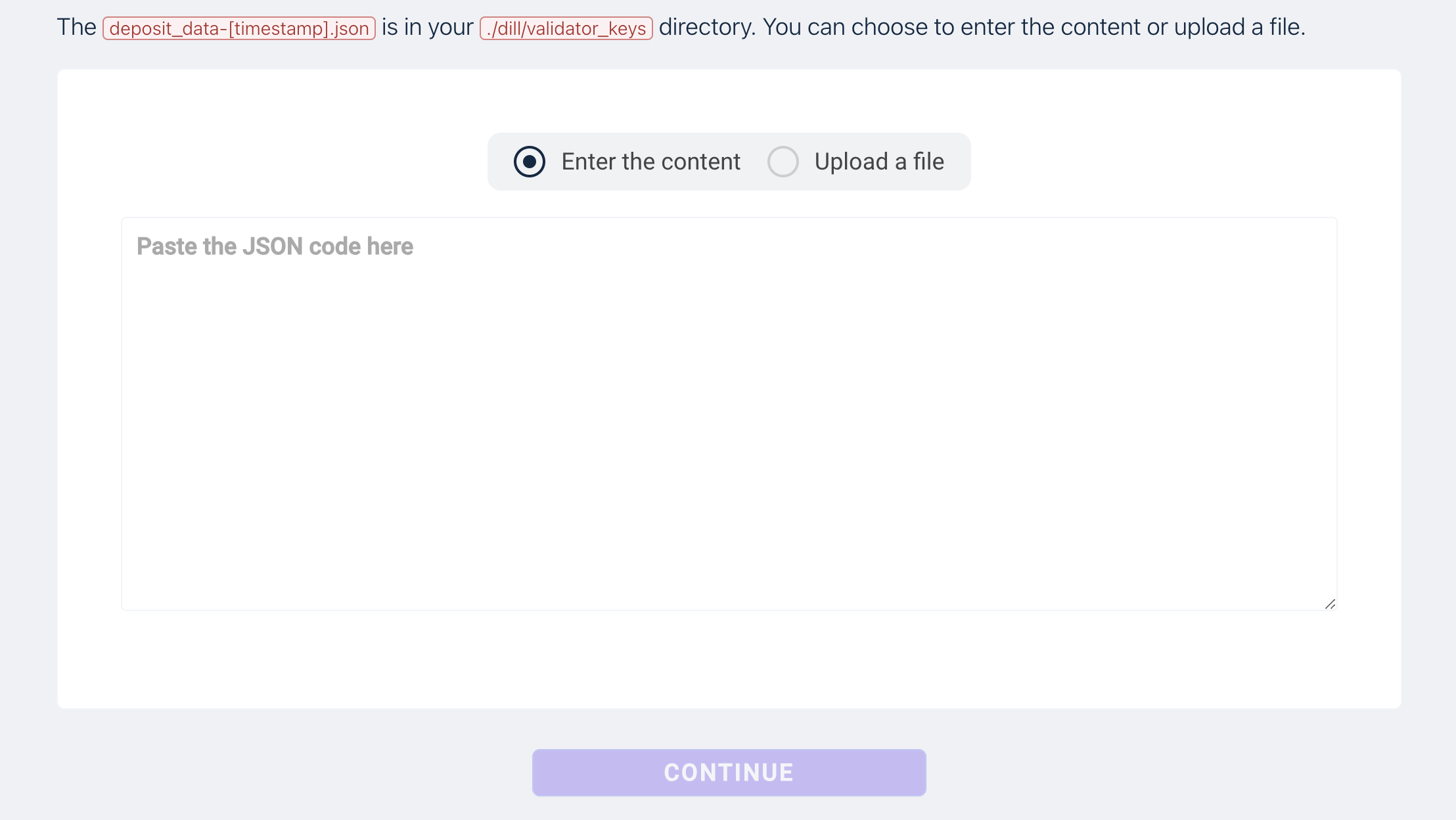
Connect to your wallet If the wallet address you are using is the same as your withdrawal address, you only need to click the checkbox to confirm.
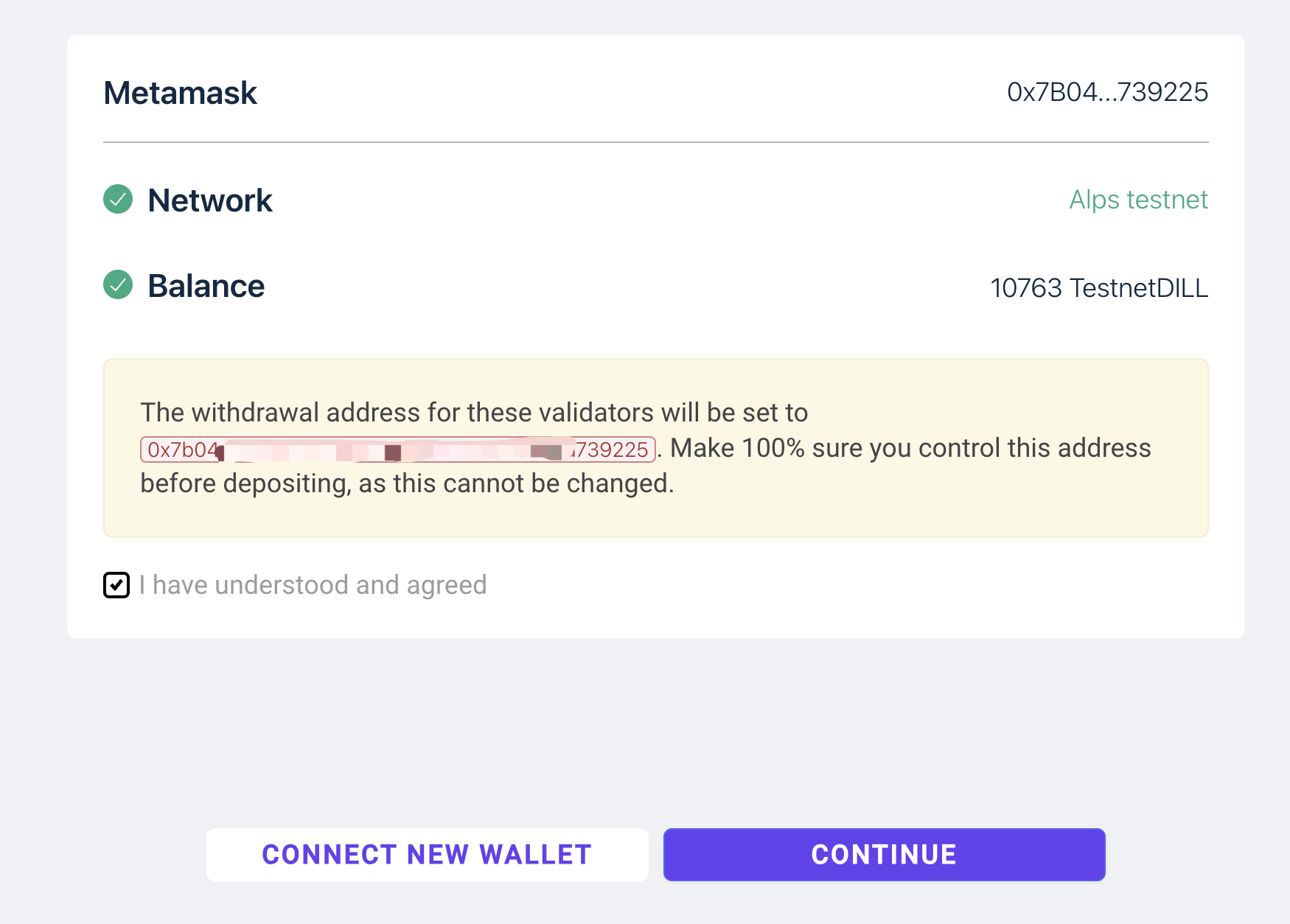
Otherwise, you need to fully enter your withdrawal address once. 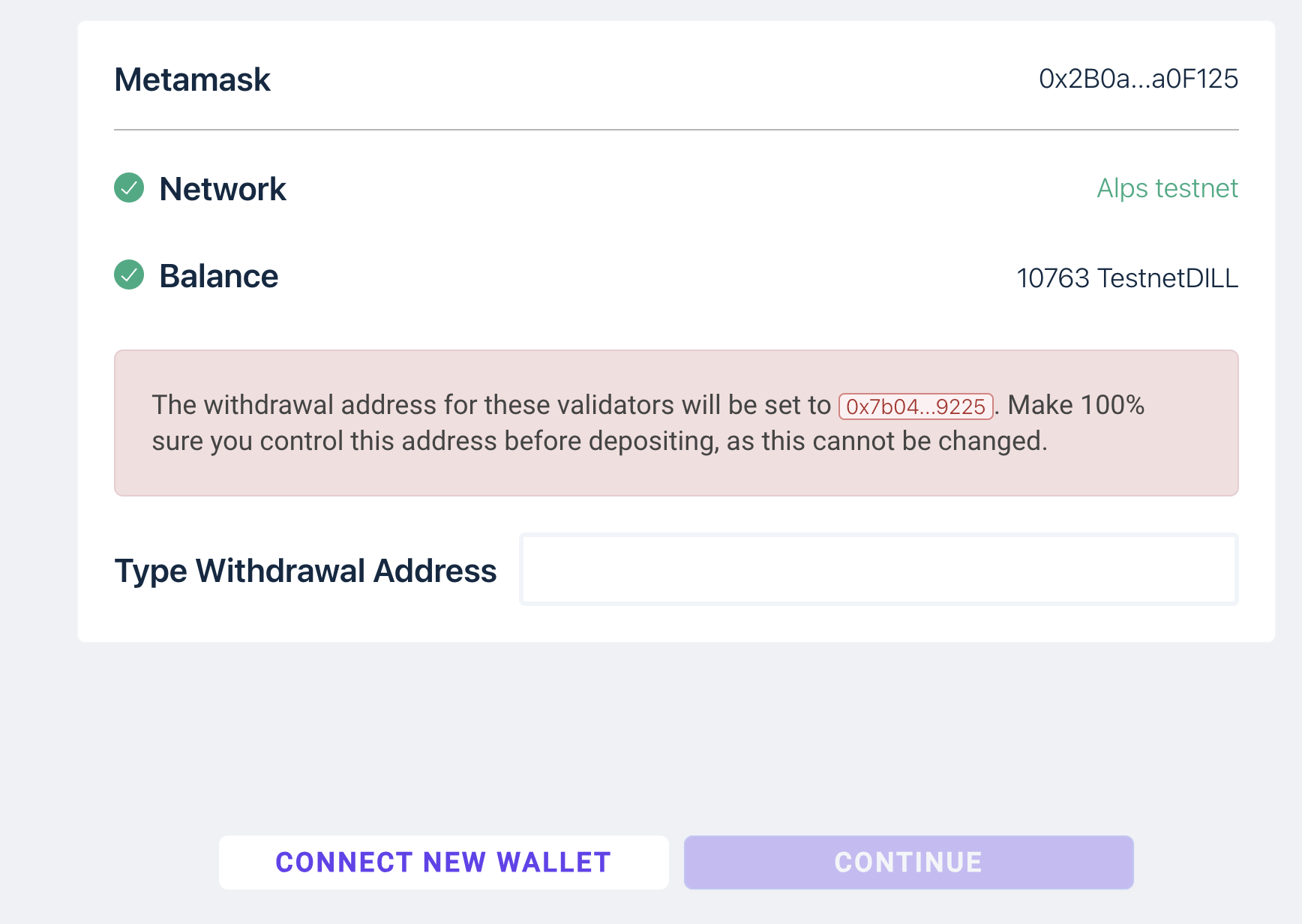
Send deposit transaction Send deposit, using MetaMask to send a deposit transaction 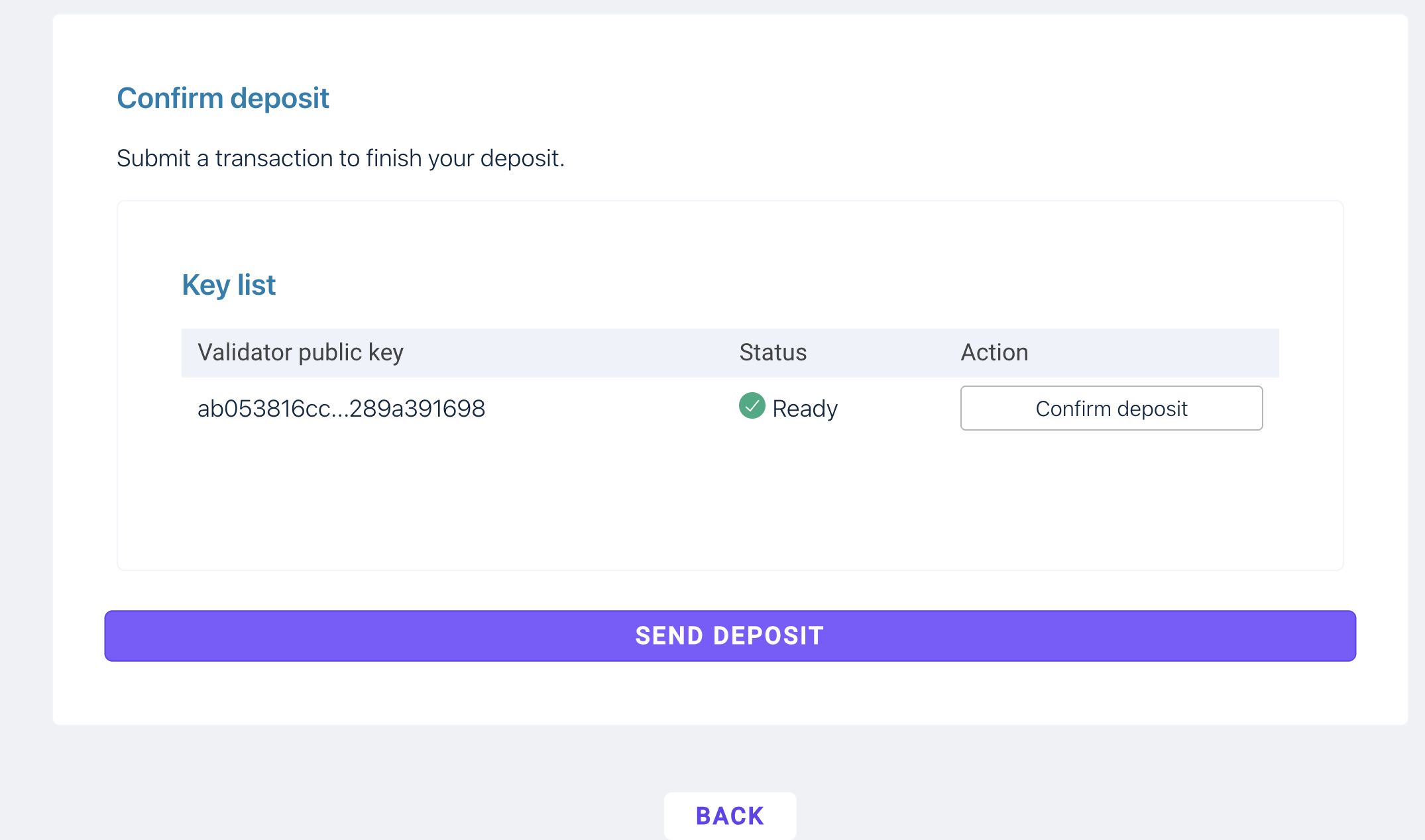
Validator info
The validator information can be found here: https://alps.dill.xyz/validators After completing the staking process, you can search for your validator information on the page using your validator public key. It may take 0.5~1 hour to appear. 